

Our Picks
Introduction
Ring wants $100 a year just so you can watch your own recorded doorbell clips. Google's Nest cameras need an active Aware subscription for anything beyond three hours of event history. And in 2025, Ring re-partnered with law enforcement tech firms like Axon and Flock Safety after briefly dropping its "Request for Assistance" tool in 2024—meaning your footage can be funneled to police departments through digital evidence platforms whether you intended that or not.
This article ignores every doorbell that operates on that model. Every single camera covered here stores 100% of its video locally—on a microSD card you own, on a hub inside your house, or via an RTSP stream to a NAS box on your network. No recurring fees. No corporate cloud servers sitting between you and footage of your own front porch. No firmware update that suddenly makes a previously-free feature require a paid tier.
We picked four doorbells across four distinct local storage approaches: standalone PoE microSD, Wi-Fi microSD retrofit, an indoor-chime hub that doubles as a smart home controller, and a pure battery-powered option for homes with zero wiring. Each was selected based on protocol openness (RTSP, ONVIF, HomeKit Secure Video), offline reliability, and the quality of on-device AI processing that runs without phoning home.
Quick Picks: Bottom Line Up Front
- Best Standalone microSD + NVR Integration: Reolink Video Doorbell PoE — $110, 5MP, continuous 24/7 local recording via PoE, full RTSP/ONVIF. The community default for Home Assistant users.
- Best Retrofit for Existing Doorbell Wiring: Reolink Video Doorbell WiFi — $120, identical 5MP sensor and local AI, connects over dual-band Wi-Fi using your old doorbell transformer.
- Best Smart Home Hub + Doorbell Combo: Aqara Doorbell Camera Hub G410 — $140, 2K, RTSP (wired), mmWave radar, microSD in the indoor chime hub, built-in Zigbee/Thread/Matter hub, HKSV with end-to-end encryption.
- Best Battery-Powered Option: eufy Security Video Doorbell S220 — $160, 2K, 180-day battery life, all footage on the included HomeBase inside your home. Zero wiring, zero subscription.
Reolink Video Doorbell PoE — Best 24/7 Local Recording
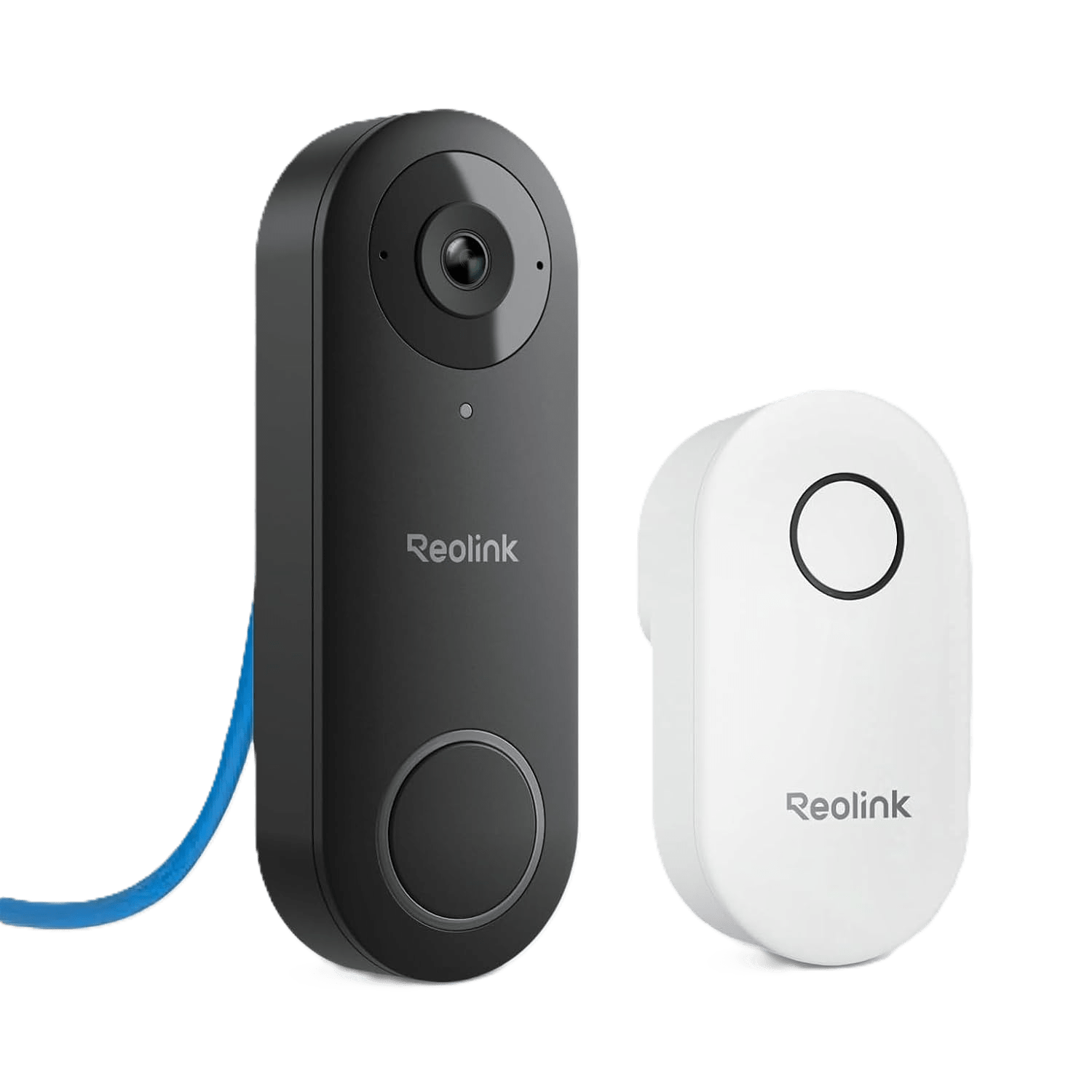
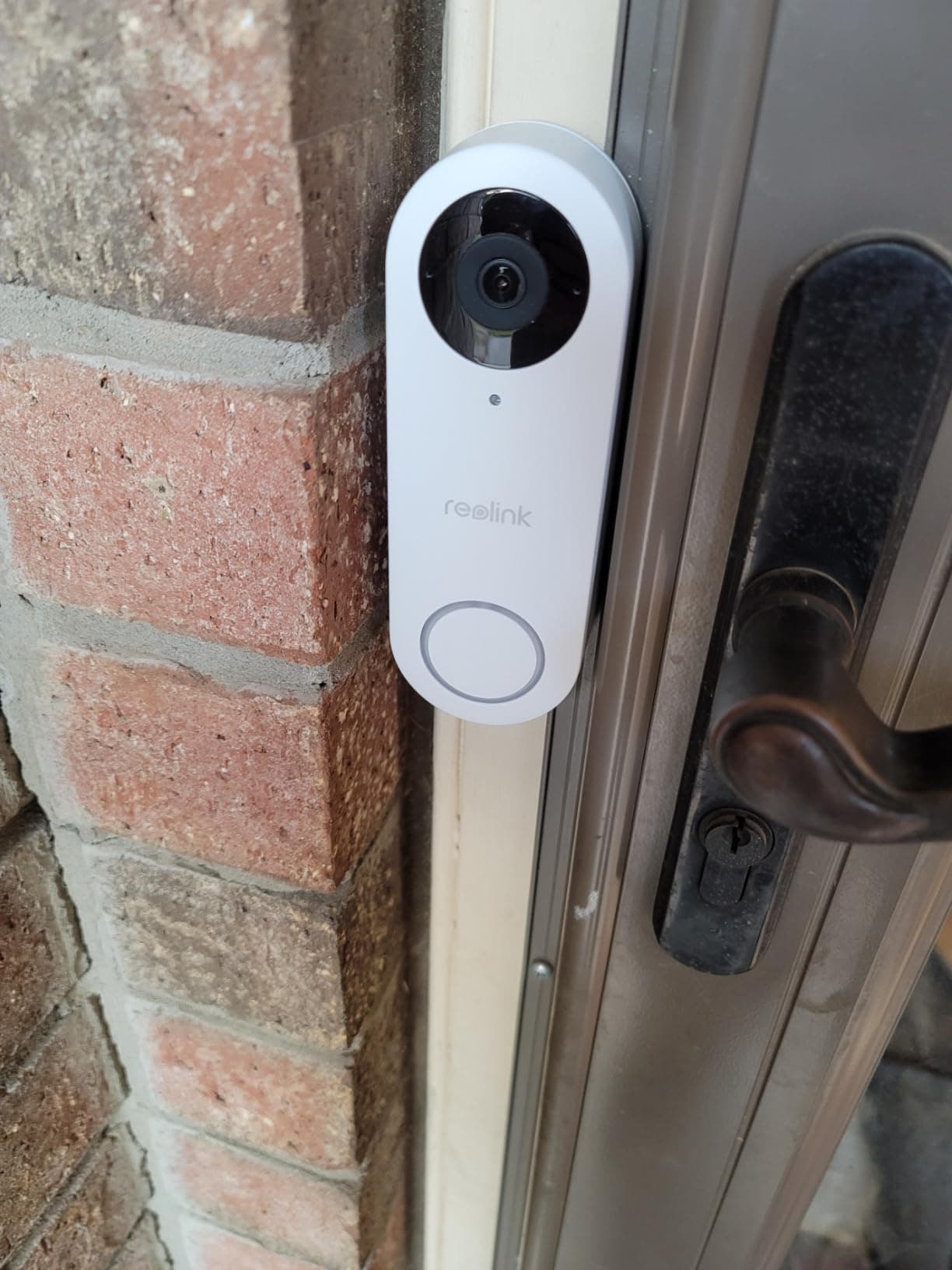
Reolink Video Doorbell PoE
This is the doorbell r/homeassistant and r/homesecurity recommend most often for a reason. PoE eliminates the two biggest failure points in any camera system: Wi-Fi dropout and battery death. A single Cat5e run carries both power and a full 5MP/20fps video stream directly to your local NVR or microSD card without ever touching an outside server. The on-device person detection is fast—typically under a second—and runs entirely on the doorbell's built-in processor. At $110, there is nothing in this price bracket that matches its combination of resolution, protocol openness, and local reliability.
Pros
- Continuous 24/7 recording to local microSD (256GB) or NVR with zero subscription fees
- PoE delivers power and data on a single Cat5e/Cat6 cable—no Wi-Fi congestion, no battery anxiety
- Full RTSP and ONVIF support for integration with Home Assistant, Frigate, Blue Iris, and Synology Surveillance Station
- On-device person and package detection runs locally, no cloud round-trip required for AI alerts
- 5MP resolution at 20fps captures clear facial detail even at 10-foot distances
- Pre-motion recording saves 6 seconds before the trigger event, so you never miss the approach
Cons
- Requires running an Ethernet cable to the front door, which may require professional installation in some homes
- Larger physical profile compared to battery-powered doorbells; requires a flat mounting surface
- The Reolink app still needs internet for remote viewing when you're away from home; local-only viewing via RTSP works fine on the LAN
- No built-in chime — you need a Reolink Chime accessory or a Home Assistant automation for audible alerts indoors
Specifications
Why PoE Changes Everything for Local Storage
Most video doorbell failures happen at the network layer, not the camera layer. Wi-Fi drops a few frames during a router reboot. A battery-powered doorbell misses the first two seconds of an event because it was in deep sleep mode when the motion started. The Reolink PoE sidesteps both problems by running power and data over a single Ethernet cable. The camera is always on. The stream is always flowing. And the data path between the doorbell and your local storage never touches your Wi-Fi spectrum.
Local AI and Recording Architecture
The on-device neural network handles person and package classification directly on the doorbell's processor. Detection-to-notification latency is typically under one second on a local network—significantly faster than any cloud-dependent doorbell that has to upload a frame, wait for server-side inference, and push a notification back. The camera supports both event-triggered and continuous 24/7 recording. With a 256GB microSD card, you get roughly 12–14 days of continuous 5MP recording before the oldest files auto-overwrite. Paired with a Reolink NVR and a 2TB or 4TB hard drive, that window expands to months.
Protocol Openness: The Real Differentiator
Both RTSP and ONVIF are enabled in the device settings. This means you can pipe the live stream directly into Frigate for AI-based object tracking, into Blue Iris for multi-camera management, into a Synology Surveillance Station license, or into any ONVIF-compatible NVR. The Home Assistant community rates the Reolink integration as one of the most stable and complete doorbell integrations available—doorbell press events, motion triggers, person detection entities, and snapshot capture all work natively without custom YAML hacks.
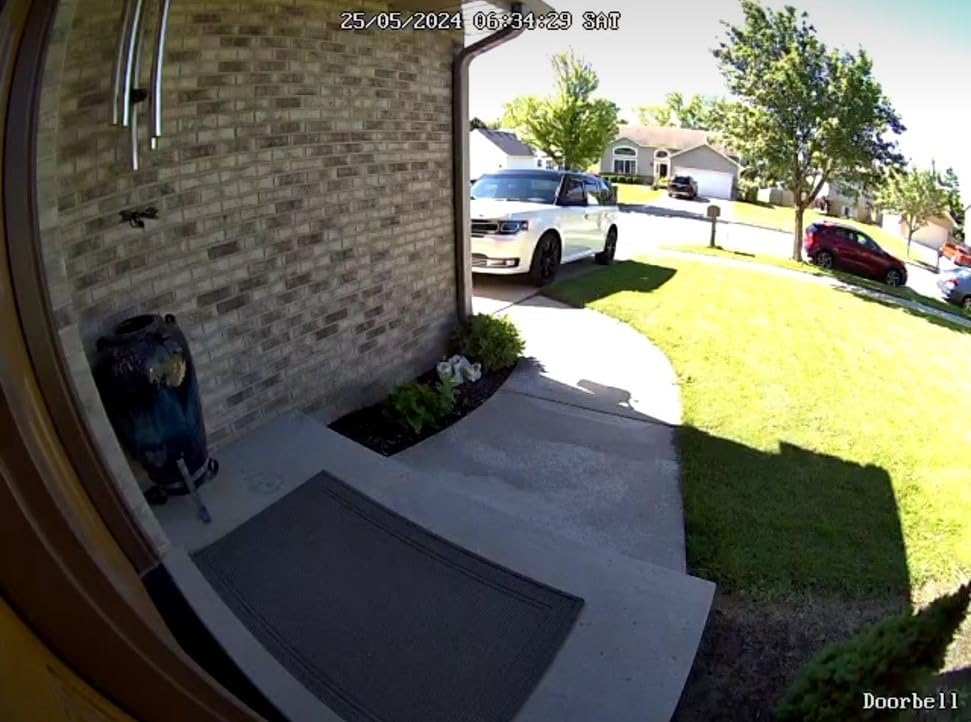
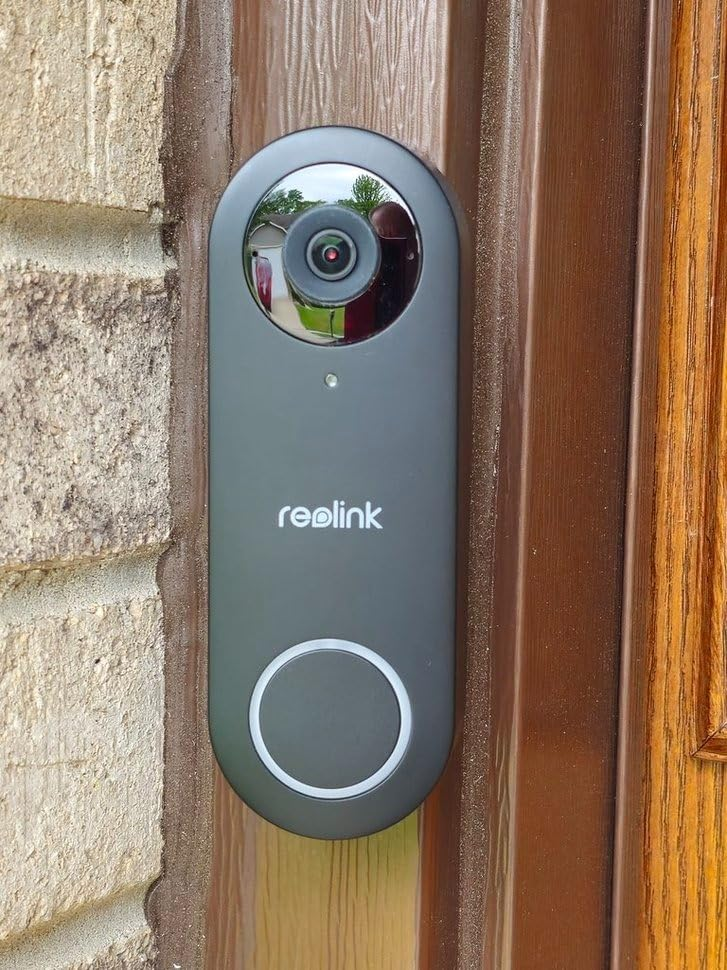
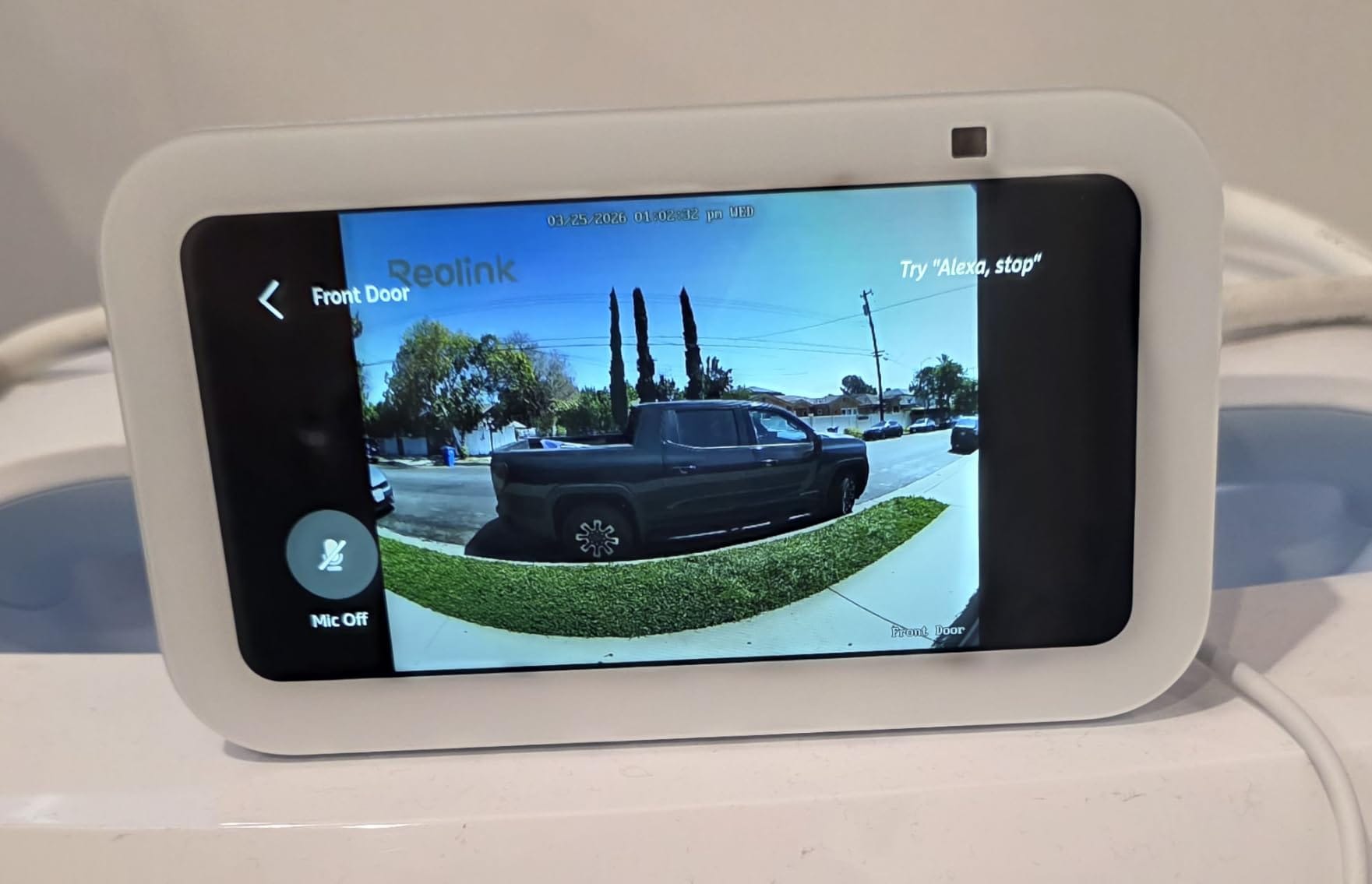
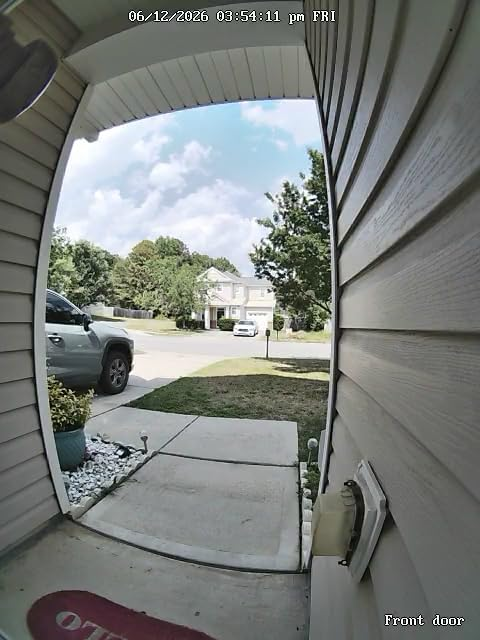
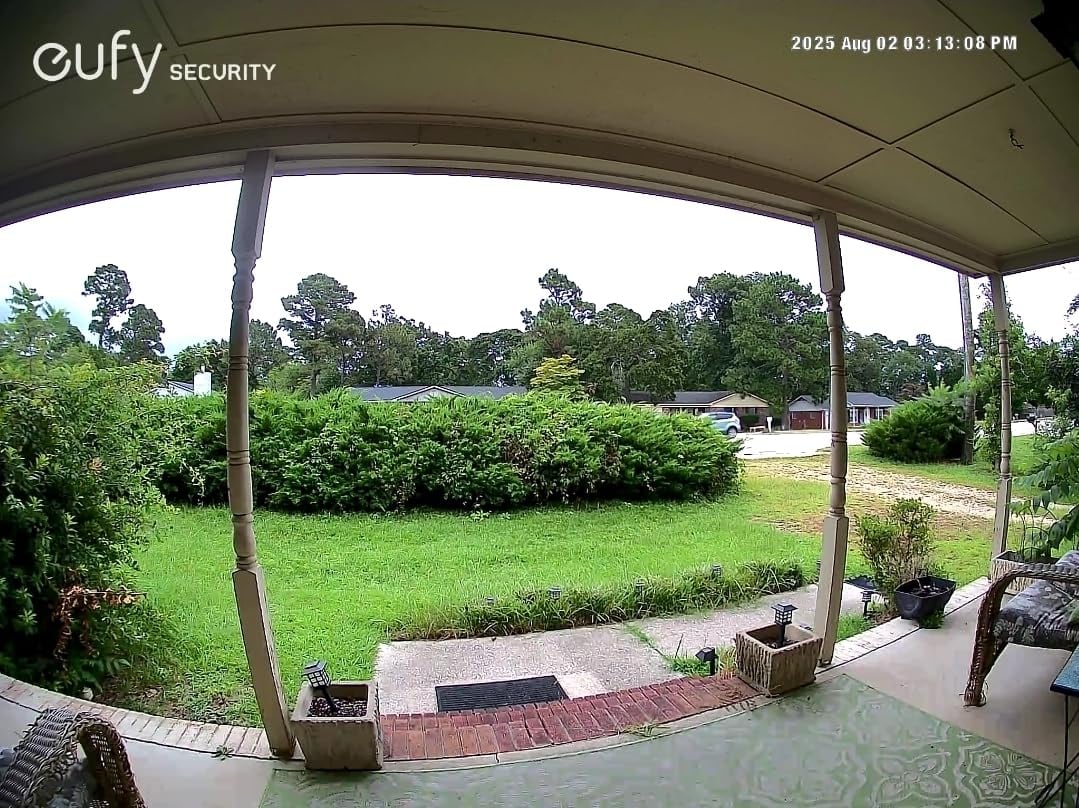
Daytime 5MP camera view from the Reolink Video Doorbell showing the front porch walkway and driveway
Reolink Video Doorbell WiFi — Best Retrofit for Existing Wiring

Reolink Video Doorbell WiFi
Identical internals to the PoE model—same 5MP sensor, same RTSP/ONVIF stack, same local AI—but swaps the Ethernet cable for dual-band Wi-Fi and existing doorbell wiring. This makes it the right choice if you can't run Cat5e to the front door. The catch is that your local recording quality now depends entirely on your Wi-Fi signal strength at the mounting location. If you can get a reliable 5GHz link with -60 dBm or better at the front door, this records to local microSD just as reliably as the PoE version. If your router is three rooms away behind two drywall layers, expect dropped frames.
Pros
- Uses your existing doorbell wiring (12–24V AC or 24V DC)—no new cables to run
- Dual-band Wi-Fi (2.4GHz + 5GHz) allows you to use the faster, less congested 5GHz band for local recording
- Same 5MP/20fps sensor and RTSP/ONVIF protocol support as the PoE version
- On-device person detection with zero subscription fees
- microSD slot (256GB) lets you record without any NVR or hub
Cons
- Wi-Fi connection means signal strength at the front door directly impacts recording reliability—concrete walls and metal doors can degrade the link
- Not rated for continuous 24/7 recording over Wi-Fi at full resolution in all firmware versions; event-based recording is more stable
- Still requires internet for remote push notifications when away from your LAN
- Slightly thicker profile than the PoE model; mounting bracket adds depth
Specifications
Same Sensor, Different Data Path
The internals are identical to the PoE model: the same 5MP sensor, the same 180° diagonal field of view, the same on-device person and package detection, and the same RTSP/ONVIF protocol stack. What changes is how data travels. Instead of a dedicated Ethernet cable, the WiFi model transmits over your home's wireless network. It draws power from your existing doorbell transformer (12–24V AC or 24V DC), so there's no battery to manage and no new wiring to pull. For homes with a functioning doorbell transformer but no easy Ethernet route to the front door, this is the practical answer.
Wi-Fi Signal: The Variable You Control
Dual-band support (2.4GHz and 5GHz) is important here. The 5GHz band offers higher throughput and less interference from neighboring networks—critical when you're streaming a continuous 5MP video feed to local storage. Run a Wi-Fi analyzer app on your phone at the exact mounting location. You want a signal strength of -60 dBm or better on the 5GHz band. Below -70 dBm, expect intermittent frame drops on high-resolution streams. If the signal is weak, a dedicated outdoor access point or a mesh node near the front door will cost $50–$100 and solve the problem permanently.
Storage Flexibility
The onboard microSD slot (up to 256GB) handles local recording independently. You don't need an NVR, a hub, or any additional hardware. Plug in a Samsung PRO Endurance or SanDisk Max Endurance card, configure event or continuous recording in the Reolink app, and walk away. For users who also run a NAS or NVR, the RTSP stream can be simultaneously ingested by Frigate, Synology, or Blue Iris while the microSD maintains a local backup on the device itself.
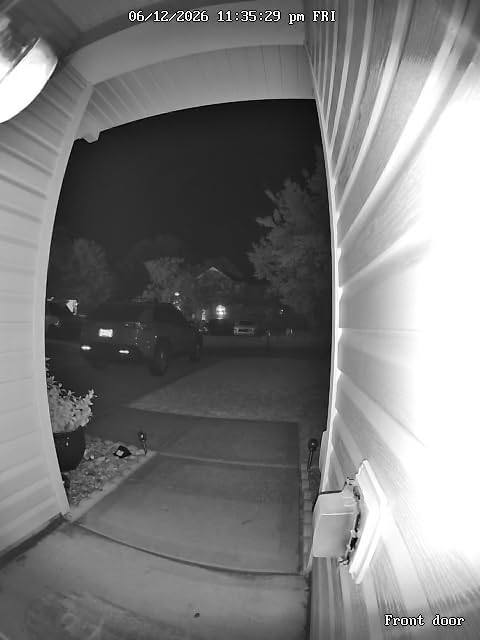
Black and White Night Vision live stream feed showing the porch and driveway under infrared illumination
Aqara Doorbell Camera Hub G410 — Best Smart Home Hub + Doorbell Combo
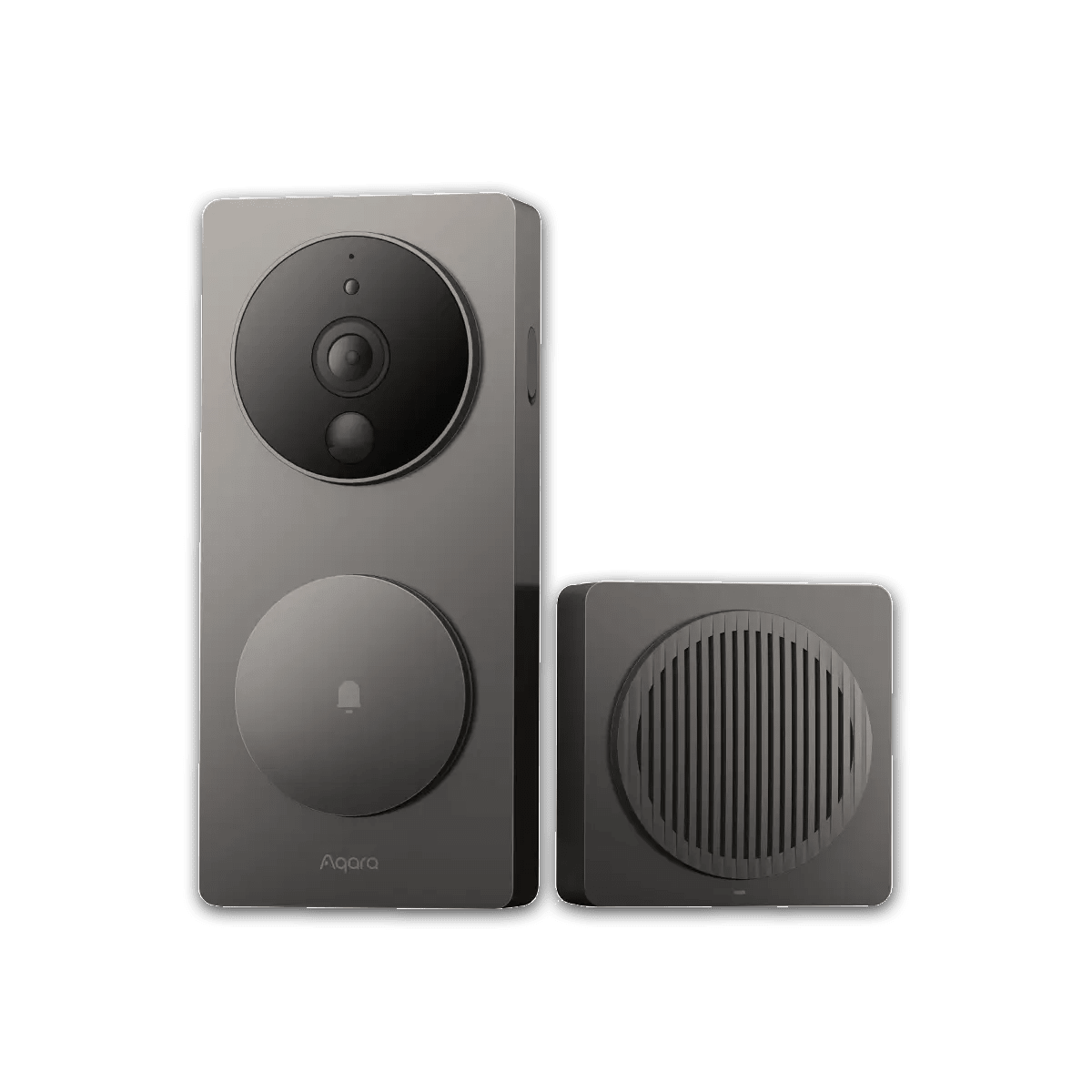
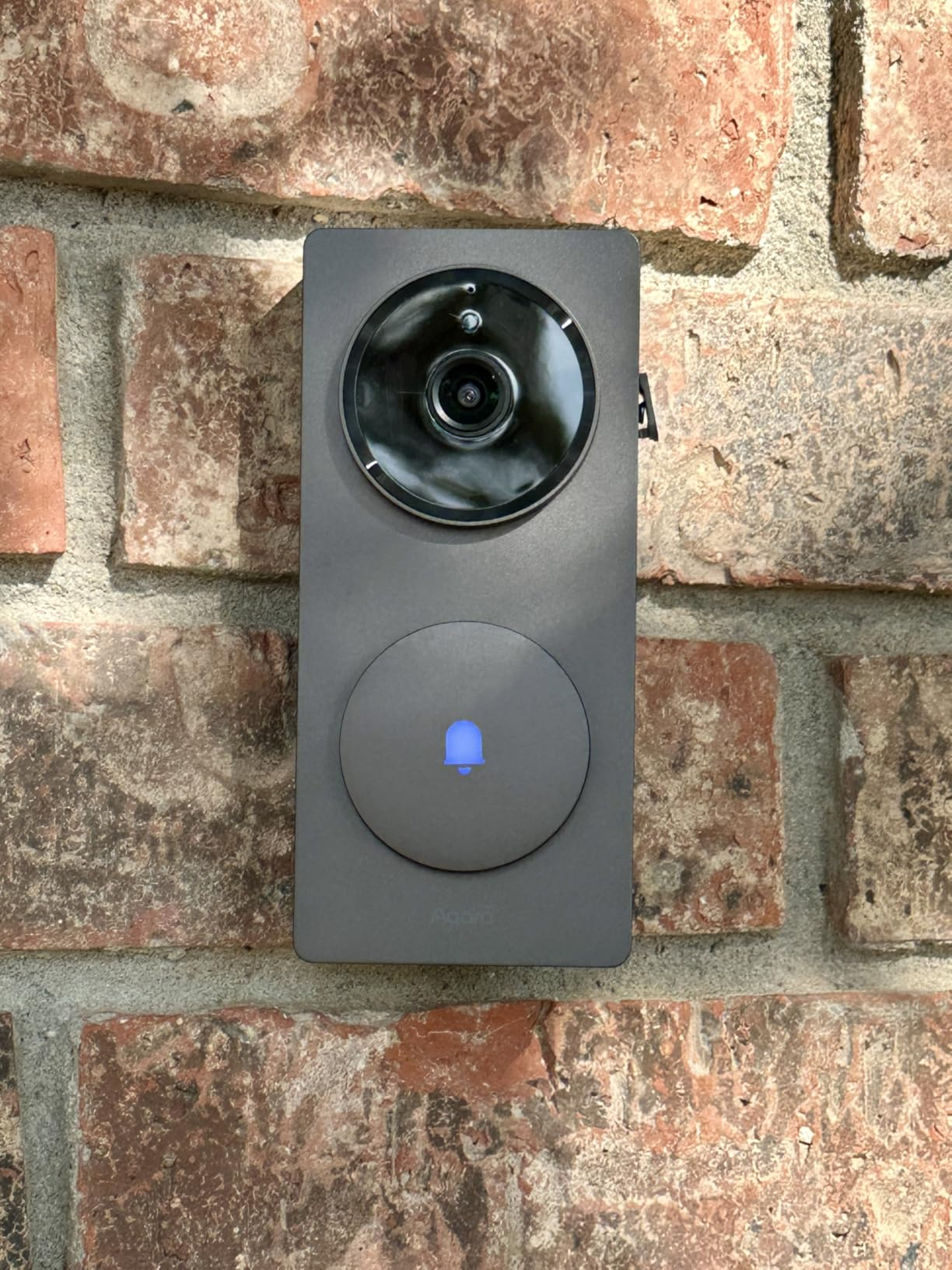
Aqara Doorbell Camera Hub G410
The G410 fixes every meaningful shortcoming of the original G4. Resolution jumps from 1080p to 2K, RTSP support is native (when wired), and the mmWave radar sensor kills the false-positive problem that plagues PIR-only doorbells—leaves blowing in the wind won't trigger a notification anymore. The real value proposition is that the indoor chime doubles as a Zigbee/Thread/Matter hub, which can eliminate a separate $40–$80 bridge from your smart home setup. Footage still stores on a microSD card inside the indoor chime, keeping your recordings safe from physical theft of the outdoor unit. For Apple users, HKSV encryption remains best-in-class. For Home Assistant users, the native RTSP stream opens up Frigate integration that the G4 never had.
Pros
- 2K resolution (2304×1296) with a 175° wide-angle lens—a major upgrade over the G4's 1080p sensor
- microSD card (up to 512GB) sits inside the indoor chime hub, not in the outdoor doorbell—a thief who pulls the doorbell gets nothing
- Native RTSP support when hardwired, enabling direct integration with Home Assistant, Frigate, Blue Iris, and any ONVIF-compatible NVR
- Built-in Zigbee 3.0 hub, Thread Border Router, and Matter controller—the indoor chime doubles as a full smart home hub
- mmWave radar detection (1–5m adjustable range) produces far fewer false triggers than standard PIR sensors
- Apple HomeKit Secure Video (HKSV) with end-to-end encrypted on-device facial recognition
- Battery or wired operation: 6 AA batteries (~4 months) or 12–24V AC/DC transformer
- Dual-band Wi-Fi (2.4GHz + 5GHz) for faster local streaming
Cons
- RTSP streaming requires a wired power connection—battery mode disables it, limiting you to motion-triggered clips via the app or HKSV
- Battery-powered mode disables continuous recording; you only get motion-triggered clips
- Higher price point than the original G4 (~$140 vs $120) and the smart hub features add complexity if you only need a doorbell
- Matter implementation can be buggy in some configurations—firmware updates have been improving this
- No native ONVIF support; RTSP is available but ONVIF discovery tools won't find it automatically
Specifications
A Doorbell That Replaced Two Devices on My Wall
The G410's indoor chime unit is not just a chime. It is a Zigbee 3.0 hub, a Thread Border Router, and a Matter controller. If you already have a separate Aqara hub or a SkyConnect stick for Home Assistant, the G410's chime can replace it. That means the doorbell effectively pays for itself by eliminating a $40–$80 bridge device from your setup. The microSD card slot (up to 512GB) still lives inside this indoor chime—same anti-theft architecture as the original G4, where stealing the outdoor unit doesn't get the attacker your footage.
2K Resolution and mmWave Radar: The G4's Weak Points, Fixed
The G4's 1080p ceiling was a real disadvantage in a field of 5MP cameras. The G410 jumps to 2K (2304×1296) with a wider 175° field of view. More importantly, it replaces the basic PIR motion sensor with an mmWave radar module adjustable from 1 to 5 meters. PIR sensors trigger on any heat-signature change—a car passing on the street, a cat crossing the porch, a shadow shifting as clouds move. The mmWave radar tracks actual physical movement at the frequency level, which drops false notifications dramatically. Users coming from Ring or other PIR-only doorbells will notice the difference immediately.
RTSP Changes Everything for Advanced Users
The original G4 had no RTSP support, which locked Home Assistant users into using HKSV as a bridge—workable but limited. The G410 exposes a native RTSP stream when running on wired power. This means you can pipe the feed directly into Frigate for AI object detection, into Synology Surveillance Station, or into any ONVIF-compatible recording system. The catch: RTSP only works in wired mode. On battery, you're limited to motion-triggered clips through the Aqara app or HKSV. If you're planning to use RTSP, wire this doorbell to your transformer.
HKSV: Still the Gold Standard for Apple Privacy
HomeKit Secure Video analyzes video on a local Apple device (Apple TV 4K or HomePod), performs facial recognition on-device, and encrypts everything end-to-end before optionally syncing to iCloud. Neither Apple nor Aqara can view your footage. No subpoena can produce your unencrypted video because neither party holds the decryption key. The G410 keeps this HKSV integration intact while adding the 2K sensor and dual-band Wi-Fi that the G4 lacked.
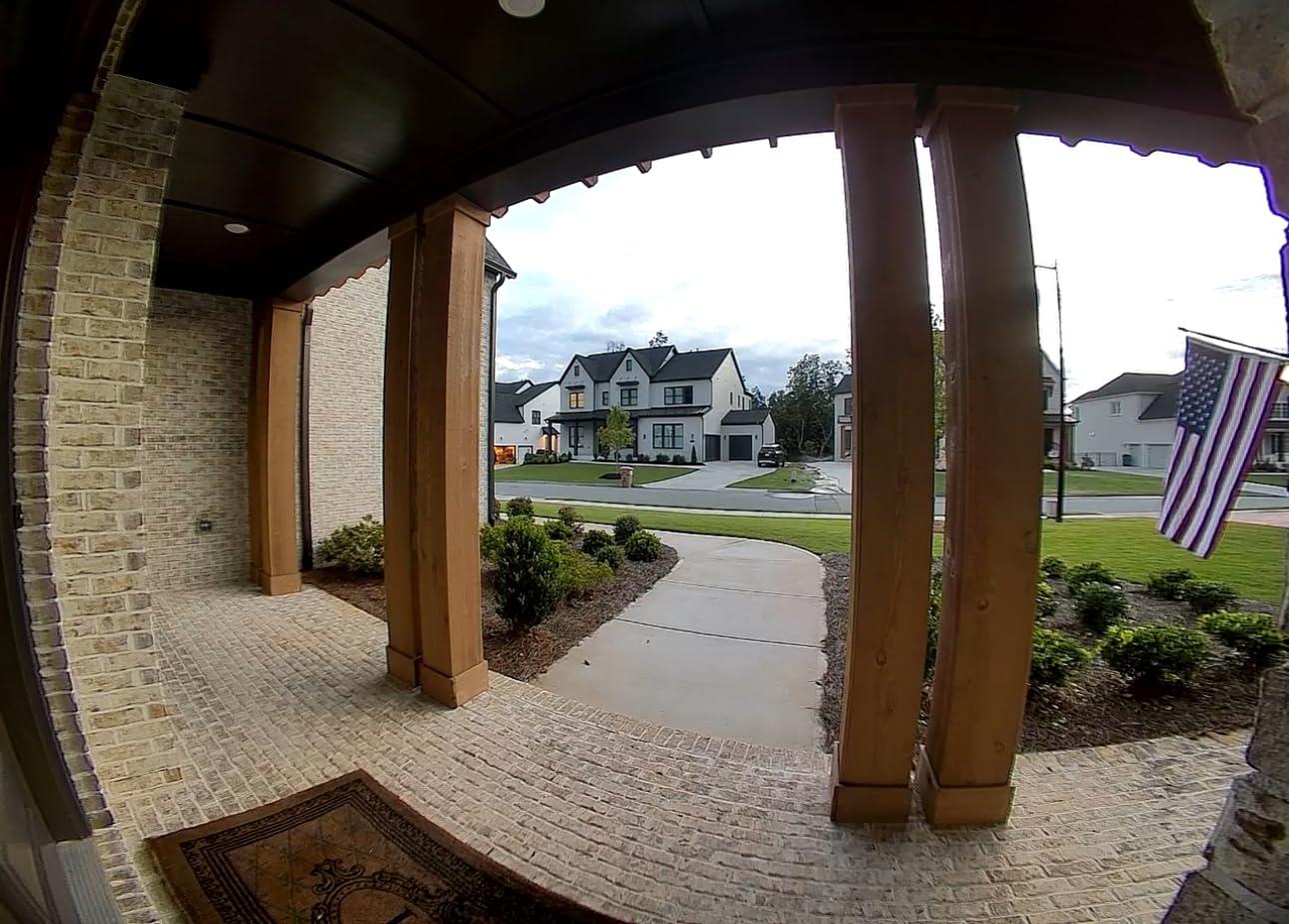
Wide-angle 175-degree daytime view from the Aqara G410
eufy Security Video Doorbell S220 — Best Battery-Powered Option
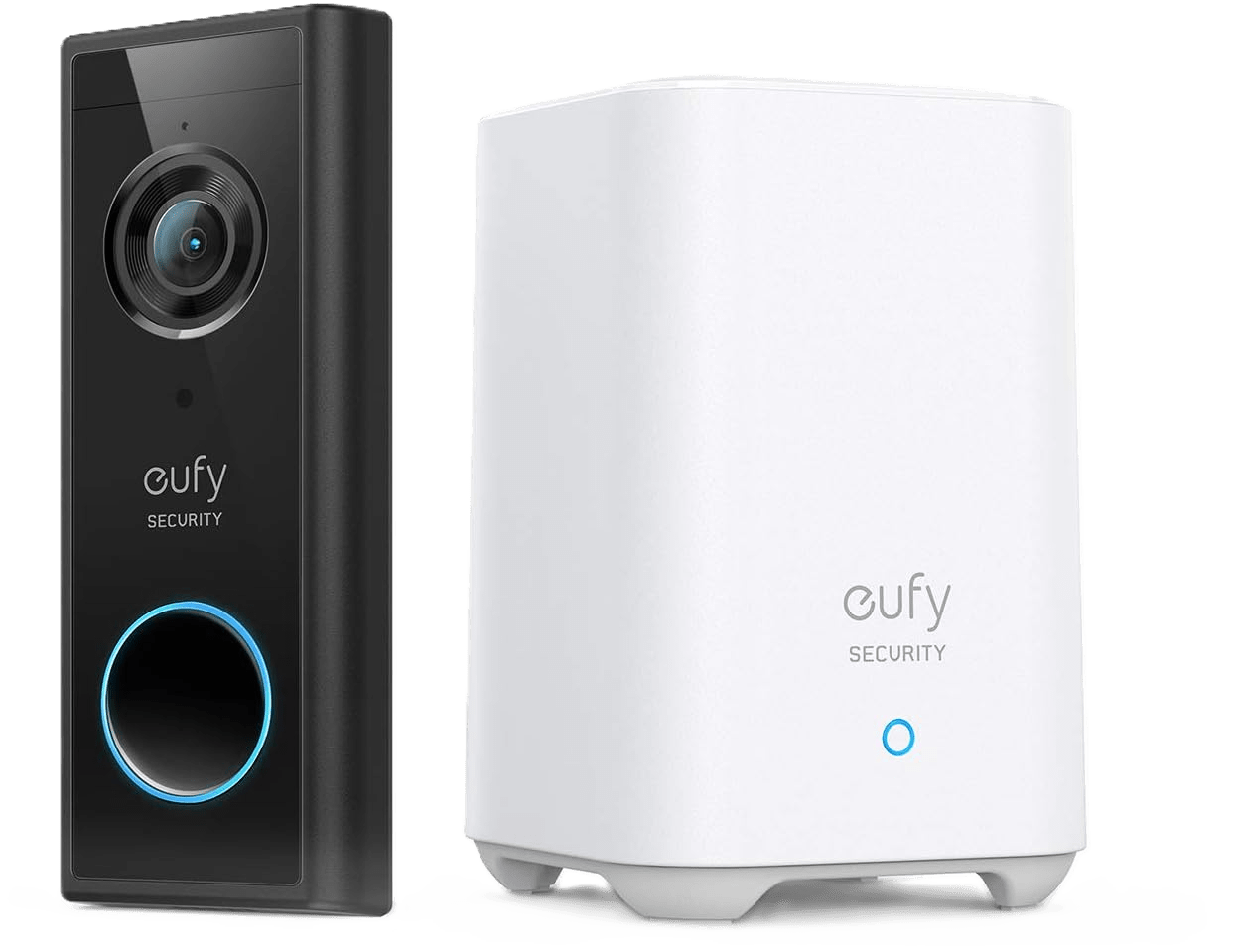
eufy Security Video Doorbell S220
The S220 exists for one specific scenario that no other doorbell on this list covers: you have zero wiring at your front door and you refuse to pay a subscription. Stick it on with the included mounting bracket, pair it with the HomeBase that plugs into your router, and you have a working 2K doorbell camera with local storage in 15 minutes. No electrician, no drilling for cable runs, no doorbell transformer inspection. The trade-off is that you lose every protocol-level feature that power users care about—no RTSP, no ONVIF, no NVR integration, no continuous recording. The 16GB HomeBase fills up fast if your front door sees heavy foot traffic. But for renters, for anyone in a house without existing doorbell wiring, or for someone who just wants a subscription-free doorbell that works out of the box—the S220 fills that gap cleanly.
Pros
- 2K resolution (2560×1920) with a 160° field of view and 4:3 aspect ratio for head-to-toe coverage
- All footage stores locally on the included HomeBase unit (16GB eMMC) inside your home—zero subscription fees, zero cloud uploads
- Battery-powered with up to 180 days per charge—no wiring required at all, installs in under 15 minutes
- On-device AI for human detection and facial recognition with customizable activity zones to reduce false alerts
- IP65 weatherproofing rated for -20°C to 50°C
- Compatible with Alexa and Google Assistant for voice-activated live view and chime announcements
- HomeBase stores footage inside the house, so physical theft of the outdoor doorbell doesn't take your recordings with it
Cons
- No RTSP or ONVIF support—the eufy S220 cannot stream to Frigate, Blue Iris, Synology, or any third-party NVR
- 16GB built-in HomeBase storage is limited; no microSD expansion slot on the HomeBase means older clips get overwritten fast with frequent motion events
- Battery mode means motion-activated recording only—no continuous 24/7 recording and no pre-roll before the trigger event
- Home Assistant integration is unofficial and community-maintained; it works but is less stable than Reolink or Aqara's native integrations
- eufy's 2021 privacy controversy (local footage thumbnails found on cloud servers) was addressed, but the company's track record gives some privacy-focused users pause
Specifications
The Zero-Wire Install
Every other doorbell in this article requires either an Ethernet cable or existing doorbell wiring. The eufy S220 needs neither. It runs on a built-in rechargeable battery rated for up to 180 days per charge—roughly six months between trips to the ladder with a USB-C cable. Stick the mounting bracket on with screws or the included adhesive strip, pair it with the HomeBase that plugs into your router via Ethernet, and the system is recording in under 15 minutes. For renters who can't modify wiring, for homes where the doorbell transformer is dead or nonexistent, or for anyone who just wants the simplest possible path to a subscription-free doorbell camera, this is the answer.
HomeBase: Your Footage Stays Inside the House
The HomeBase is a small white box that connects to your router and acts as the bridge between the doorbell and your local network. All recorded clips are encrypted and stored on the HomeBase's 16GB eMMC storage—not on the doorbell itself, not on a cloud server. If someone rips the doorbell off your wall, your footage is already sitting safely next to your router. The 16GB capacity is the main limitation: with frequent motion events, expect the oldest clips to be overwritten within a few weeks. There is no microSD expansion slot on the HomeBase, so what you see is what you get for storage.
2K Sensor with On-Device AI
The 2K sensor (2560×1920) with a 4:3 aspect ratio captures head-to-toe coverage of visitors at the door. On-device AI handles human body detection and facial recognition directly on the doorbell's processor—no cloud round-trip for classification. You can draw custom activity zones in the eufy app to exclude areas like a busy sidewalk or a neighbor's driveway, which cuts down on irrelevant notifications. The WDR (Wide Dynamic Range) processing handles the classic doorbell problem of a backlit visitor standing in front of a bright sky.
The Protocol Trade-Off
Here is where the S220 diverges from the rest of this list. There is no RTSP stream. There is no ONVIF support. You cannot pipe this doorbell's video into Frigate, Blue Iris, Synology Surveillance Station, or any third-party NVR. Your only interface is the eufy Security app. Home Assistant integration exists through a community-maintained integration, but it is unofficial and less reliable than the native Reolink or Aqara integrations. If protocol openness matters to you—if you want to own the recording pipeline end-to-end—the Reolink cameras or the Aqara G410 are better choices. The S220 trades protocol flexibility for installation simplicity and battery convenience.
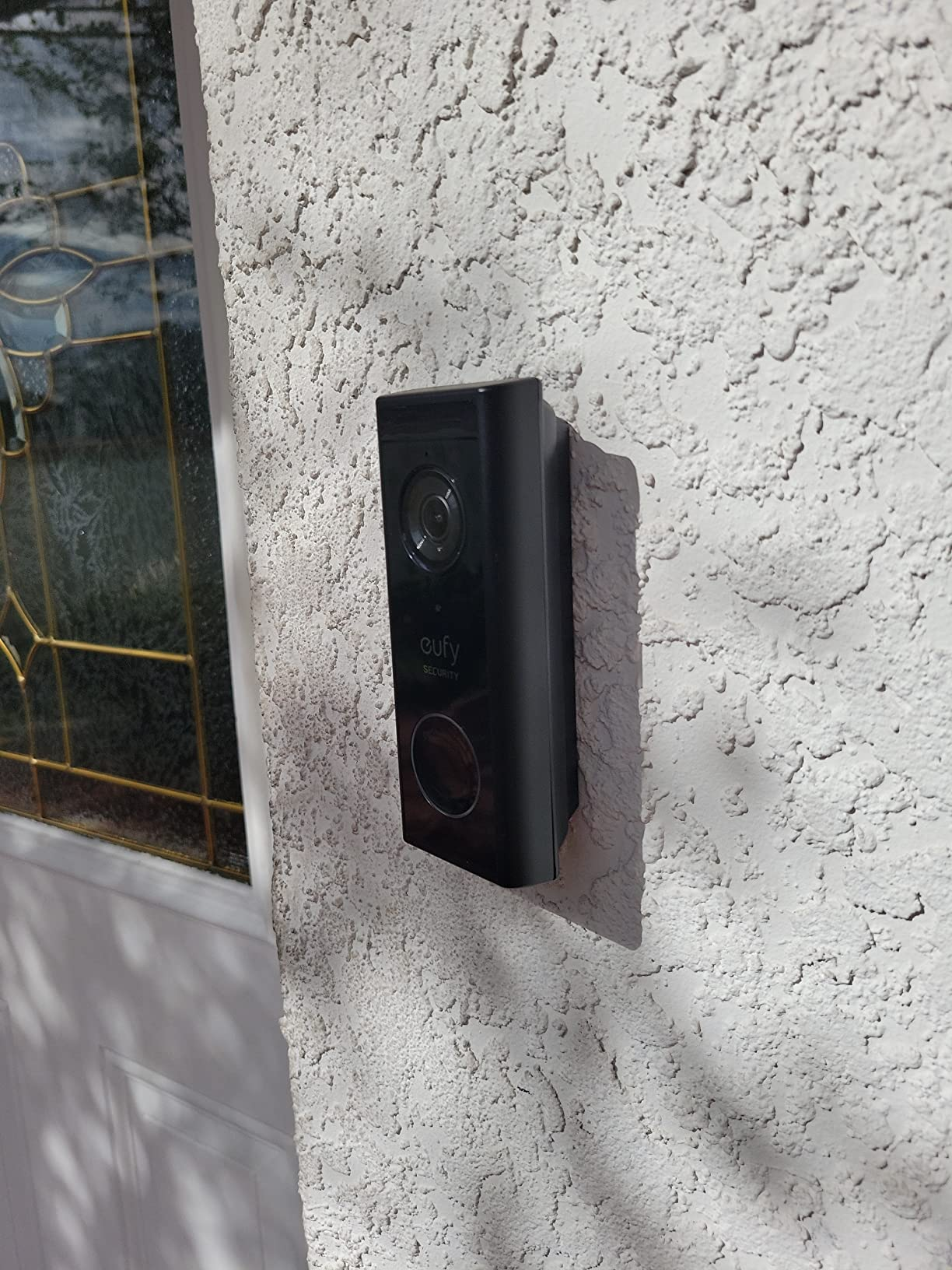
eufy Security Video Doorbell S220 mounted on a white stucco exterior wall next to the front door
The Architecture of Local Storage: microSD vs. NVR vs. NAS
On-Device microSD Cards
The lowest-friction entry point. You buy a $15–$40 endurance-rated microSD card, slot it into the doorbell (or, in the Aqara G410's case, into the indoor chime hub), and recording starts. No additional hardware, no network configuration, no monthly cost. The footage lives on a tiny chip inside or near the device.
The vulnerability is physical. If the doorbell is mounted outdoors and someone steals the unit, they get the card and your footage with it. The Aqara G410 avoids this by placing the card indoors. The eufy S220 takes a similar approach, storing clips on the HomeBase unit next to your router. For other models, the practical mitigation is redundancy: configure the camera to simultaneously stream to a second local destination (an NVR, NAS, or Frigate instance) so the microSD acts as a backup, not your only copy.
Card quality matters enormously. Standard consumer microSD cards are not built for the sustained write cycles of 24/7 video recording. They burn out in weeks to months. Use a High Endurance card specifically rated for surveillance—Samsung PRO Endurance and SanDisk Max Endurance are the two most proven options. A 256GB Samsung PRO Endurance card costs about $35 and is rated for tens of thousands of hours of continuous recording.
Local Hubs and Indoor Storage Units
Some doorbells stream footage to a dedicated indoor unit rather than storing it on the camera itself. The Aqara G410's indoor chime hub accepts a microSD card up to 512GB and writes recordings locally. The eufy S220's HomeBase stores clips on a fixed 16GB eMMC chip. In both designs, the footage lives inside your house—physically separated from the outdoor doorbell that a thief could grab.
For Reolink cameras, the Reolink NVR (8-channel or 16-channel) accepts streams natively with zero configuration—you adopt the camera and recording starts. The advantage of a dedicated NVR over microSD or a small hub is capacity and durability. A 4TB NVR hard drive stores months of continuous multi-camera footage. A 256GB microSD stores about two weeks from a single camera. The NVR hard drive won't burn out from write cycles the way a flash-based card eventually will.
NAS and RTSP/ONVIF Streams (Advanced Users)
If you run a Synology, QNAP, or TrueNAS system, you can pull RTSP streams from any compatible doorbell and record them directly using Synology Surveillance Station, QVR Pro, or Frigate (running as a Home Assistant add-on or standalone Docker container). This approach gives you complete control over retention policies, storage hardware, AI inference (via Coral TPU acceleration in Frigate), and multi-camera management—all without any vendor-specific NVR.
The prerequisite is that the doorbell must expose an RTSP or ONVIF stream. The Reolink models do. The Aqara G410 does (when wired). The eufy S220 does not—it uses a proprietary app-only interface. This protocol openness—or lack of it—is the single biggest factor in whether a doorbell fits into a custom local recording setup.
Installation and Network Optimization
VLAN Segmentation: Isolate Your Cameras from the Internet
A local-storage doorbell should be on a network that cannot reach the outside internet at all—or at most, can reach only the specific manufacturer domains needed for push notifications. The way to enforce this is VLAN segmentation.
Create a dedicated VLAN (e.g., VLAN 40) on your router or managed switch. Assign your doorbells and other IoT cameras to this VLAN. Then write firewall rules that block all traffic from VLAN 40 to the WAN (internet) and block all traffic from VLAN 40 to your primary LAN where your computers and phones live. Allow traffic from your primary LAN to VLAN 40 so you can still view the camera feeds from your phone or computer. This one-directional rule means your cameras can be viewed locally but cannot initiate any outbound connection—to the manufacturer, to a cloud server, or to any device on your main network.
If you need push notifications on your phone when you're away from home, you'll need to allow the camera to reach specific manufacturer endpoints (Reolink's push notification servers, for example). Whitelist only those domains. Block everything else.
Wi-Fi Signal: The Front Door Problem
Front doors are the worst possible location for Wi-Fi devices. They're at the edge of the building envelope, often behind brick, concrete, or metal doors. A Wi-Fi doorbell streaming 5MP video at 20fps needs consistent throughput of 4–6 Mbps to avoid dropped frames on local recording.
Measure your signal strength at the exact mounting location using a Wi-Fi analyzer app (WiFi Analyzer on Android, AirPort Utility on iOS). You want -60 dBm or stronger on your target band. If you're at -70 dBm or worse, consider one of three fixes: (1) add a mesh node or outdoor access point near the front door, (2) switch to a PoE doorbell and eliminate Wi-Fi from the equation entirely, or (3) drop the recording resolution to reduce bandwidth requirements.
Critical Pitfalls to Avoid with Local Storage
1. Cheap microSD Cards in Continuous-Write Environments
A standard Samsung EVO or SanDisk Ultra card is designed for phones and cameras—intermittent reads and writes. Put one in a security doorbell running 24/7 recording, and the flash cells will degrade within 2–4 months. The card starts dropping writes silently. Your doorbell appears to be recording, but when you check the footage after an incident, half the clips are corrupted or missing. Buy a High Endurance card. Period. The Samsung PRO Endurance (256GB, ~$35) and SanDisk Max Endurance (256GB, ~$40) are rated for surveillance-grade write cycles.
2. No Overwrite Policy Configured
Many doorbells and NVRs ship with auto-overwrite disabled by default. The storage fills up, recording stops, and nobody notices until an incident occurs weeks later and the system hasn't been recording since day three. Check your device settings immediately after installation. Enable loop recording or oldest-first overwrite so the system continuously replaces the oldest footage with new footage. On a Reolink, this is a toggle in the Recording Settings menu. On the eufy S220, the HomeBase's 16GB eMMC auto-overwrites by default, but verify it after setup.
3. "Local Storage" ≠ "Works Offline"
Some doorbell manufacturers advertise local storage support but still require an active internet connection for their mobile app to authenticate and connect—even when you're on the same local network as the camera. The Reolink app, for example, can view cameras locally when your phone is on the same LAN, but push notifications and remote access (when you're away from home) require the doorbell to reach Reolink's notification servers. If you block all internet access for the camera via VLAN rules, you lose push notifications. The camera still records locally, but you won't get alerted on your phone until you manually check.
Before you buy, verify three things: (1) does the app work on the local network without internet? (2) Does the camera continue recording to local storage during an internet outage? (3) Does initial setup require creating an account on the manufacturer's cloud platform? The Reolink cameras record locally even during full internet loss. The Aqara G410 requires an Aqara account for initial setup but records to the chime's microSD regardless of internet status after that. The eufy S220 records to the HomeBase during outages, but initial setup and remote access both require a eufy account.
The Bottom Line
If you can run an Ethernet cable to your front door and want the most reliable local recording available at any price point, the Reolink Video Doorbell PoE at $110 is the default answer. If you can't run Ethernet but have existing doorbell wiring, the Reolink WiFi gives you identical optics and AI over dual-band wireless. If your household runs on Apple devices and you want end-to-end encrypted local recording with HKSV plus a built-in smart home hub, the Aqara G410 delivers 2K resolution, RTSP, and Zigbee/Thread/Matter in one package. And if you have zero wiring at the front door and refuse to pay a subscription, the eufy S220 runs on battery for up to six months and stores everything on the included HomeBase.
Pick based on your wiring situation, your smart home platform, and how deep you want to go with local recording infrastructure. Every option here records without a subscription, stores without a cloud server, and keeps your footage exactly where it belongs: on your property.
Product Comparison at a Glance
| Product | Our Score | Brand | Resolution | Local Storage Type | Power Source | RTSP / ONVIF / HA | Best For | Action |
|---|---|---|---|---|---|---|---|---|
#1Reolink Video Doorbell PoE | 9.4 | Reolink | 5MP (2K+) | microSD (256GB) / NVR | PoE (Wired) | RTSP ✓ / ONVIF ✓ / HA ✓ | 24/7 Local Recording | |
#2Reolink Video Doorbell WiFi | 9.0 | Reolink | 5MP (2K+) | microSD (256GB) | Wired (Doorbell Transformer) | RTSP ✓ / ONVIF ✓ / HA ✓ | Easy Retrofit Install | |
#3Aqara Doorbell Camera Hub G410 | 9.1 | Aqara | 2K | microSD (512GB, in chime hub) | Battery or Wired | HKSV ✓ / RTSP ✓ (wired) / HA ✓ | Apple + Smart Home Hub | |
#4eufy Security Video Doorbell S220 | 8.6 | eufy | 2K | HomeBase (16GB eMMC) | Battery or Wired | Proprietary / RTSP ✗ / HA (unofficial) | No-Wire Battery Install |